MacBook Air vs MacBook Pro: Which Do You Actually Need
Laptops
By Marwin Jaino Cervañez


When you’re getting into a MacBook, choosing between the Air and Pro is the most common question, and for good reason, both machines look premium, both run macOS flawlessly, and both can handle serious work. But they’re not built for the same kind of user. The MacBook Air vs MacBook Pro decision really comes down to whether you prioritize portability and everyday performance, or sustained power for demanding workloads like video editing, 3D work, or heavy multitasking. In this breakdown, we’ll cut through the marketing noise and look at what actually matters when choosing between these two Apple laptops in 2026.
Head-to-Head Comparison Table
Feature | MacBook Air (M5) | MacBook Pro (M5 Pro/Max) |
|---|---|---|
Starting Price | $1,099.00 | $1,999.00 |
Chip Options | Apple M5 | M5 Pro / M5 Max |
Display | Liquid Retina | Liquid Retina XDR |
Performance | Excellent (daily use) | Outstanding (pro workloads) |
Cooling | Fanless | Active cooling |
Battery Life | Up to ~18 hrs | Up to ~22 hrs |
Weight | Lighter | Heavier |
Ports | 2x Thunderbolt | HDMI, SD, Thunderbolt |
Quick Verdict: MacBook Air vs MacBook Pro
If you want a simple answer:
MacBook Air (M5) → Best for students, professionals, and everyday users
MacBook Pro (M5 Pro/Max) → Best for creators, developers, and power users
The Air wins on portability and value. The Pro wins on raw performance and display quality. Most people don’t need the Pro, but those who do, really do.
MacBook Air (M5): Lightweight Champion for Everyday Use
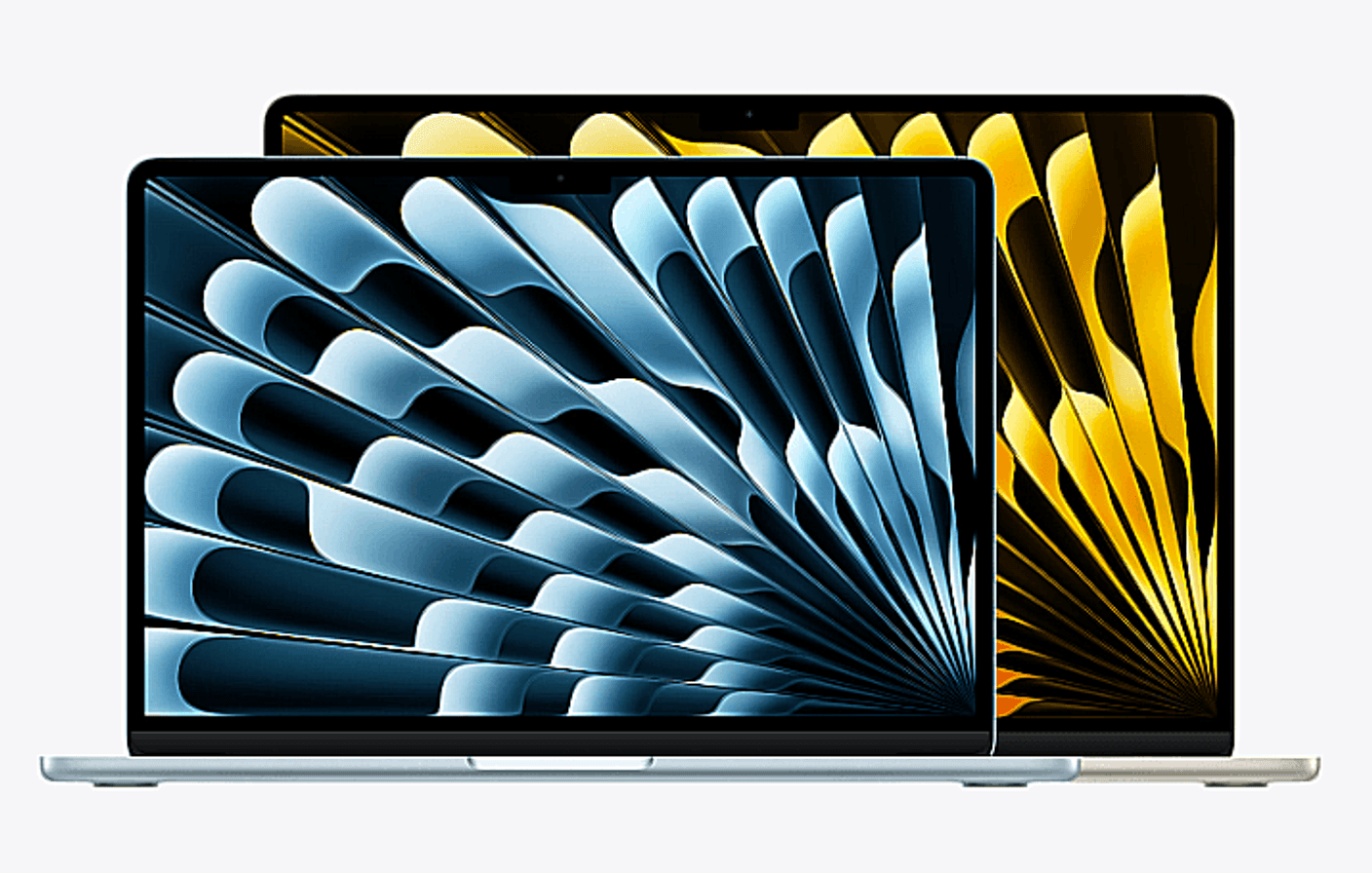
The MacBook Air M5 is Apple’s thin-and-light laptop designed for speed, silence, and battery life. Starting at $1,099.00, it delivers more performance than most users will ever fully tap into, without the fan noise or bulk of a workstation machine.
Standout Feature
Fanless design + all-day battery life (up to ~18 hours). It’s silent, efficient, and stays cool under normal workloads.
Pros & Cons
Pros
Extremely portable and lightweight
Excellent battery life
Silent fanless operation
Strong everyday performance with M5 chip
More affordable than the Pro lineup
Cons
Limited sustained performance under heavy workloads
Only two Thunderbolt ports
Not ideal for long 4K/8K video renders
Detailed Review
Image: Apple
The MacBook Air feels like the “default” Apple laptop for a reason. It handles browsing, office work, light photo editing, coding, and even casual video editing without breaking a sweat. The M5 chip makes it surprisingly future-proof for most users.
Where it starts to struggle is sustained load. Push it with long rendering sessions or multiple pro apps at once, and it throttles sooner than the Pro models. But for 80–90% of users, that’s not even a concern.
MacBook Pro (M5 Pro / M5 Max): Built for Serious Workloads
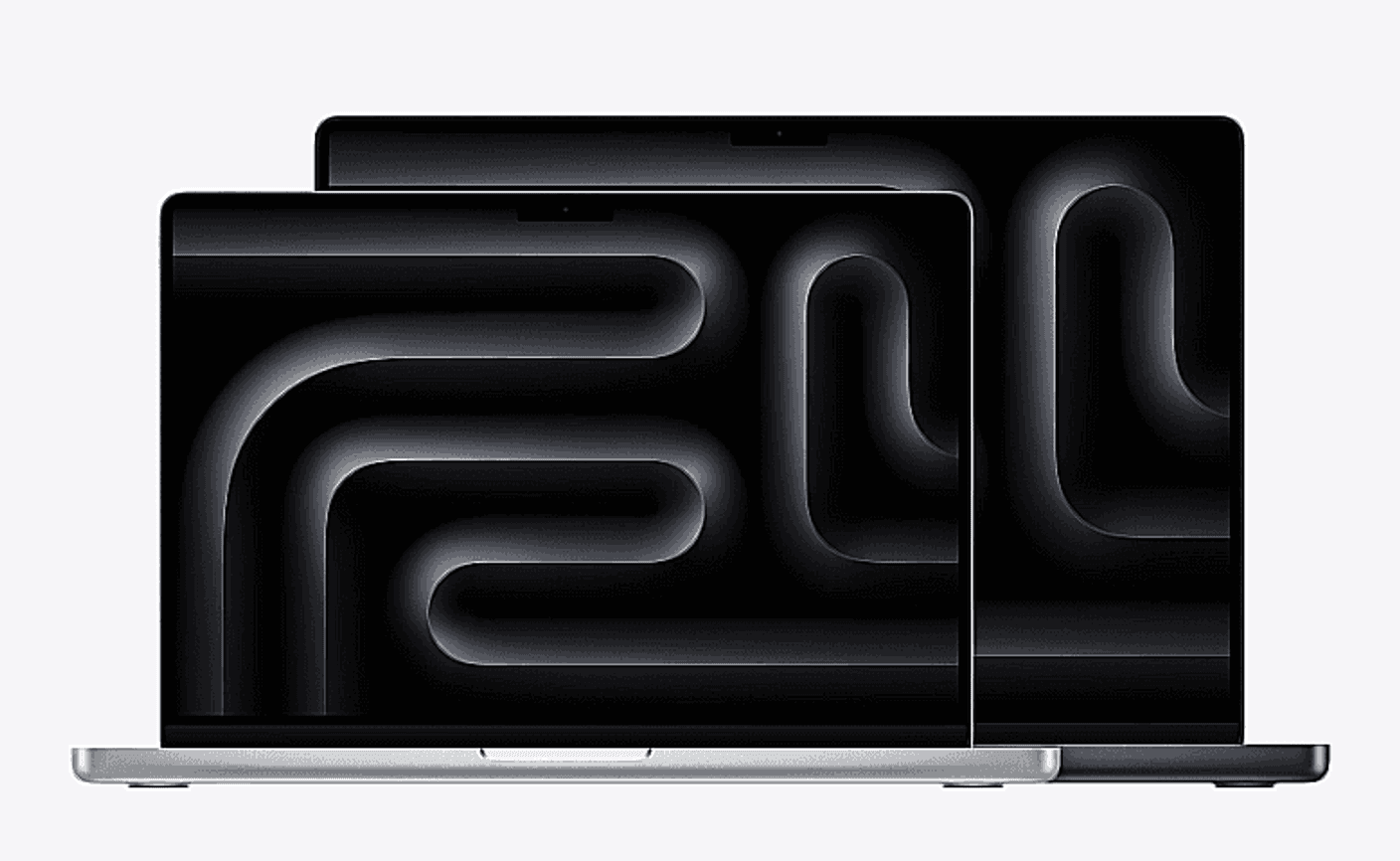
The MacBook Pro (14-inch and 16-inch) is Apple’s performance-first laptop. Starting at $1,999.00, it’s built for professionals who need sustained power: video editors, developers, music producers, and 3D artists.
Standout Feature
Active cooling + sustained high performance under load. It doesn’t slow down when the workload gets intense.
Pros & Cons
Pros
Outstanding sustained performance (M3 Pro / M3 Max)
Brilliant Liquid Retina XDR display
More ports (HDMI, SD card, Thunderbolt)
Best-in-class speakers and mic setup
Ideal for professional creative workflows
Cons
Expensive entry point
Heavier and less portable than Air
Overkill for basic productivity use
Detailed Review
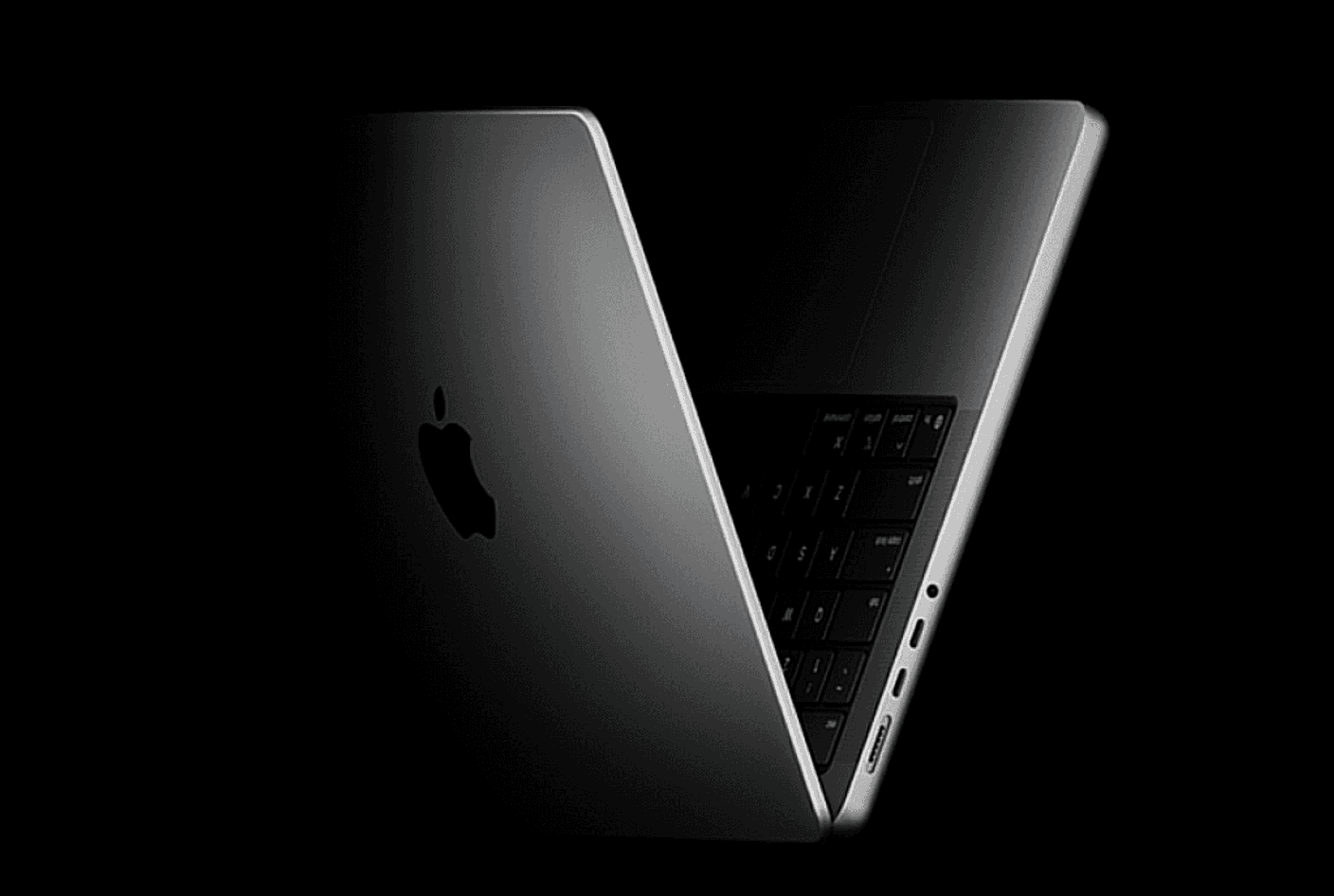
Image: Apple
The MacBook Pro is what happens when Apple stops optimizing for “thin” and focuses purely on performance. The difference becomes obvious in long sessions: 4K video exports, large Xcode builds, or multitasking with heavy creative apps.
The display alone is a major upgrade. The Liquid Retina XDR panel is noticeably brighter and more color-accurate than the Air’s screen, making it a favorite for content creators.
However, this power comes at a cost, not just financially, but in weight and portability. You’ll feel it if you carry it daily.


Which Should You Buy?
Choose MacBook Air if you:
Use your laptop for school or office work
Want the best portability
Don’t do heavy video editing or 3D work
Prefer quiet, fanless operation
Choose MacBook Pro if you:
Edit high-resolution video regularly
Work in software development or design
Run multiple heavy apps simultaneously
Need maximum sustained performance
If you’re unsure, perhaps here’s something to keep in mind: most people will be perfectly happy with the MacBook Air. Its portability, thin chassis, and outstanding performance for everyday use is a no-brainer choice. The MacBook Pro is for when your work really involves heavy-demanding tasks, or most likely you use it only at your desk. You’re welcome to bring it along with you though, just find a comfortable, stationary spot when outside. That 1000 nits of brightness can be handy.
Final Verdict
The MacBook Air vs MacBook Pro comparison isn’t about which is better overall, it’s about which is better for you. The Air is the smartest buy for most users, offering incredible performance per dollar in a lightweight package. The Pro is a specialist tool: expensive, powerful, and absolutely worth it if your workflow demands it.
If your work doesn’t constantly push your machine, go Air. If it does, the Pro isn’t optional, it’s necessary.
Looking for great affordable laptops aside from the Air? Especially for school? You should read our Best Laptops for Students in 2026: Value Picks Tested

Marwin Jaino Cervañez
Consumer Tech & Gaming Writer
Marwin started writing for a geek-news site before diving into video games. Still a geek by nature, delving into technology is inevitable. PCs, Laptops, Cellphones, Headphones, as long as he can game. Exploring low to high end models, he wants to see how far consuming tech has come for work and play.
Recent stories by Marwin Jaino Cervañez: