Smart Home on A Budget: Best Under $200 Starter Setup
Smart Home
By Oliver Hayes



Building a smart home on a budget under $200 isn’t just possible in 2026, it’s actually where the smartest entry point is. The trick isn’t buying everything at once, but starting with a tight, scalable setup that covers voice control, lighting, security, and automation without locking you into expensive ecosystems.
In this guide, we’ll walk through a practical smart home starter setup while not overspending too much, using current, widely available devices that you can actually buy right now. No gimmicks, no overpriced hubs, just a clean, expandable foundation you can build on later.
If you’re new to smart homes, you might also want to check our breakdown of how ecosystems work in our guide: https://blog.techunboxed.co/category/smart-home
Step 1: Start With a Smart Assistant (Your Control Hub)
Your smart assistant is the brain of your setup. It handles voice commands, routines, and connects everything together.
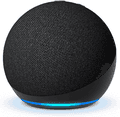
Amazon Echo Dot (5th Gen)
Amazon Echo Dot (5th Gen) - $49.99
Standout Feature
Best-in-class voice recognition for its size, accurately hears commands even across a noisy room.
Pros
Excellent price-to-performance ratio
Strong smart home compatibility
Compact design fits anywhere
Reliable Alexa routines support
Cons
No display (voice-only interface)
Bass is limited compared to larger Echo models
Detailed Review

Image: Amazon
The Echo Dot 5th Gen is the easiest way to “activate” a smart home. It acts as your command center: turning lights on, controlling plugs, and triggering routines like “good night” or “movie time.” It’s not flashy, but it’s extremely consistent, which is exactly what you want at the core of a budget setup.
Step 2: Add Smart Lighting for Instant Impact
Lighting is the fastest way to feel like your home is smart.
TP-Link Tapo Smart Bulb L530E
TP-Link Tapo L530E Smart Wi-Fi Bulb - $17.99 for 2 packs | $29.99 for 4 packs
Standout Feature
Direct Wi-Fi setup. No bridge or hub required.
Pros
Affordable entry point
Full color and dimming control
Easy app setup
Works with Alexa and Google Assistant
Cons
Requires stable Wi-Fi
App UI can feel basic
Detailed Review
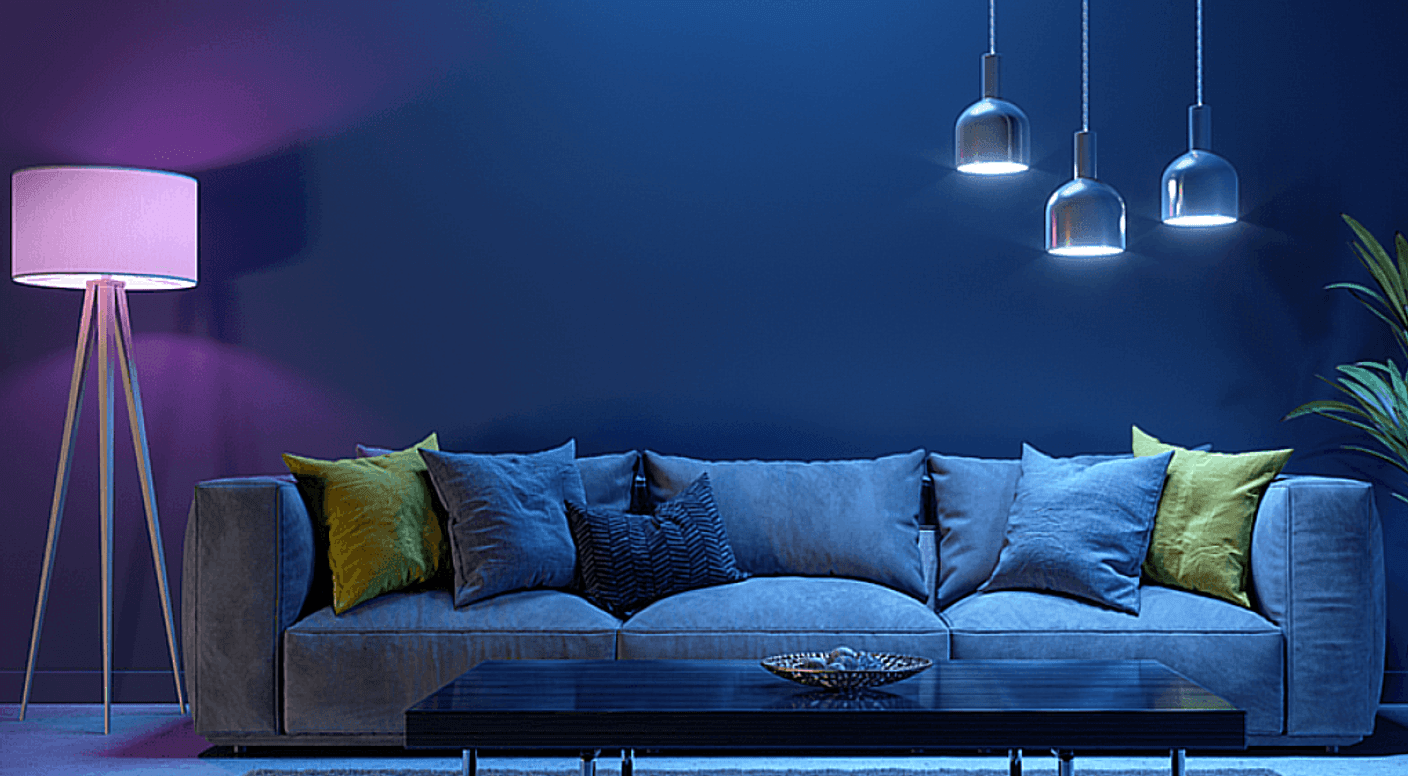
Image: TP-Link
This is the “wow factor” product in the setup. One bulb instantly turns any room into a customizable lighting space. You can schedule wake-up lighting, dim it for movie nights, or sync it with voice commands through your Echo Dot.


Step 3: Automate Power Usage With Smart Plugs
Smart plugs are the most underrated part of any budget smart home.
TP-Link Tapo Smart Plug P125
TP-Link Tapo P125 Smart Plug - $44.99
Standout Feature
Energy monitoring (helps track power usage over time).
Pros
Extremely affordable
Simple plug-and-play setup
Energy usage tracking
Voice control support
Cons
Bulky design may block adjacent outlets
No advanced scheduling logic compared to premium plugs
Detailed Review
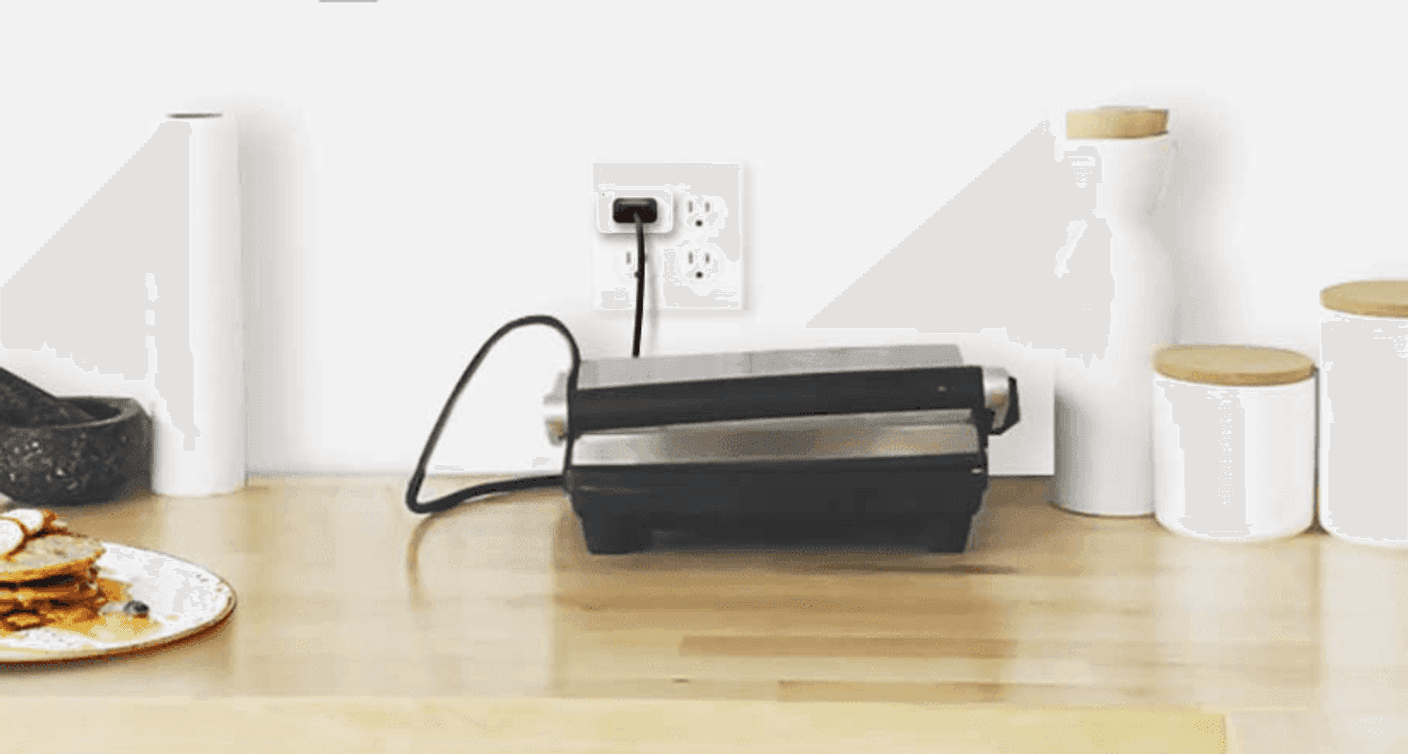
Image: TP-Link
This is where your “dumb appliances” become smart. Plug in a fan or lamp, and suddenly you can automate it with voice commands or schedules. It’s especially useful for reducing standby power waste.
Step 4: Add Basic Home Security
Even a budget smart home should include at least one camera.
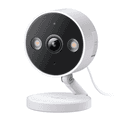
TP-Link Tapo C120 Security Camera
TP-Link Tapo C120 Security Camera - $39.99
Standout Feature
Full HD recording with smart motion detection zones.
Pros
Sharp 2K video quality
Night vision support
Motion alerts in real time
Flexible mounting options
Cons
Cloud storage may require subscription
Needs constant power connection
Detailed Review
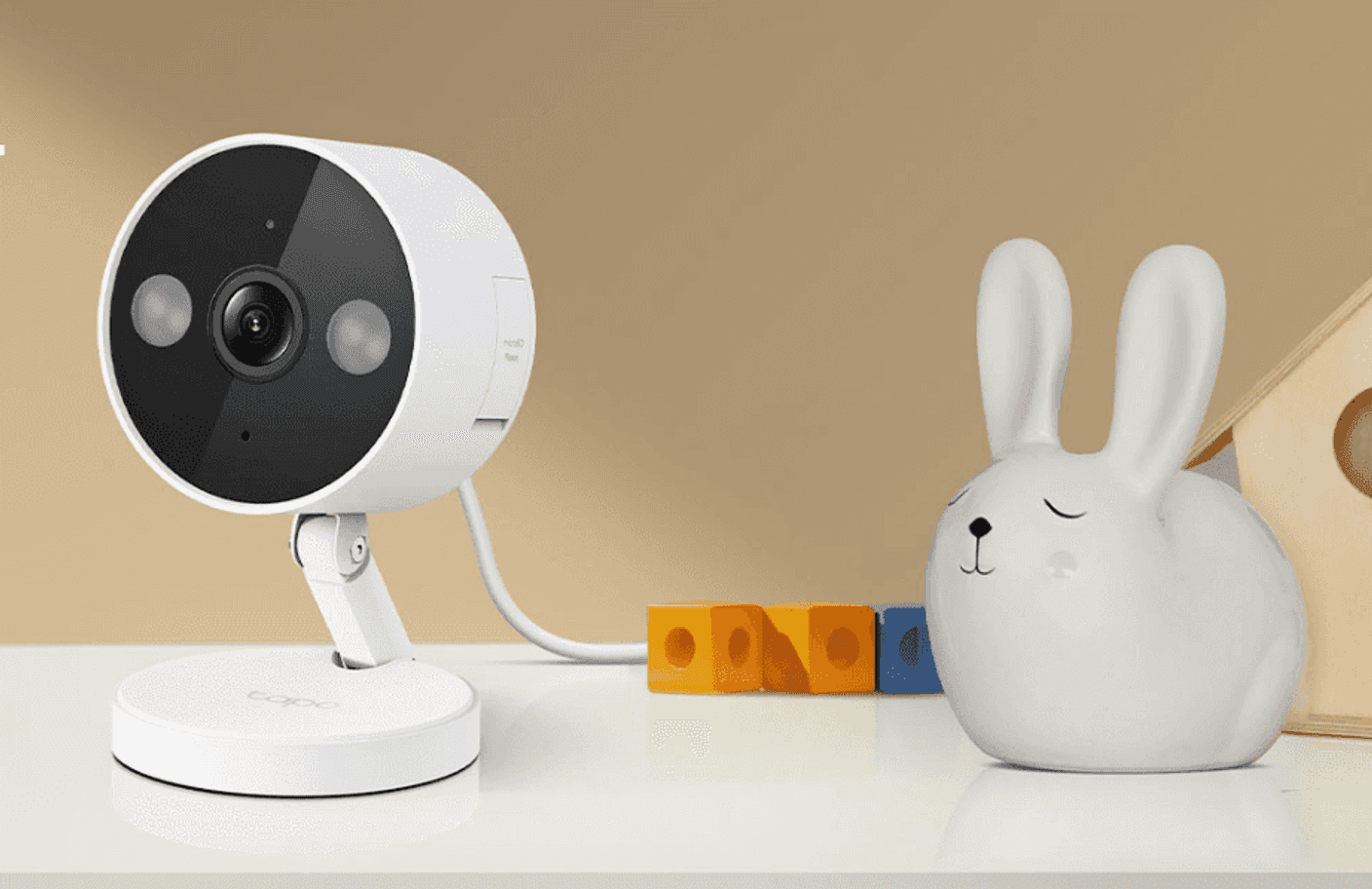
Image: TP-Link
For under $40, this camera adds a serious layer of peace of mind. It’s ideal for monitoring entryways, pets, or shared spaces. The motion detection is sensitive enough to be useful without constantly spamming alerts.


Budget Breakdown (Under $200 Setup)
Device | Purpose | Price |
|---|---|---|
Echo Dot 5th Gen | Smart assistant hub | $49.99 |
Tapo L530E Bulb | Smart lighting | $17.99 |
Tapo P125 Plug | Appliance control | $44.99 |
Tapo C120 Camera | Home security | $39.99 |
Total | Core smart home setup | $147.96 with 2 packs or $159.96 with 4 packs |
You still have headroom under $200, meaning you can easily add more bulbs, plugs, or even another camera without breaking your budget.
Step 5: Connect Everything Into Routines
This is where the setup becomes a smart home instead of just smart devices.
Here are practical routines you can set up using the Echo Dot:
Good Morning Routine
Turn on lights
Start coffee maker (via smart plug)
Read weather updates
Leaving Home
Turn off all lights
Disable plugs
Activate camera monitoring
Movie Night
Dim lights to 30%
Turn off main light
Keep ambient lighting on
Final Verdict: The Best Smart Home Starter Setup Under $200
The truth is simple: you don’t need a full ecosystem to start a smart home, you need a functional core. This under-$200 setup proves that.
With just four devices, you get:
Voice control
Smart lighting
Appliance automation
Basic security monitoring
The “budget-friendiness” may sound that these devices weren’t worth it at first, but they have proven to be reliable with just the right value. Every device here grows with you, meaning you won’t need to replace anything as you expand.
If you’re building your first smart home in 2026, this is the setup that actually makes sense.

Oliver Hayes
Gadgets & Smart Home Writer
Oliver began writing about gaming and digital culture before moving into the world of consumer technology. He specializes in gadgets, smart home devices, and practical tech advice that helps readers make smarter buying decisions.