Best Video Doorbells With No Subscription Fee
Smart Home
By Oliver Hayes


Full Comparison Table: No Subscription Video Doorbells (2026)
Product | Video Quality | Local Storage | Subscription Needed | Ease of Setup | Smart Features | Overall Grade |
|---|---|---|---|---|---|---|
Eufy Video Doorbell Dual 2K E340 | 9.2/10 | Yes (HomeBase) | No | 8.5/10 | 9.4/10 | A |
Reolink PoE/WiFi | 9.3/10 | Yes (NVR/SD) | No | 7.8/10 | 8.2/10 | A- |
TP-Link Tapo D230S1 | 8.8/10 | Yes (microSD) | No | 9.0/10 | 8.5/10 | A- |
Aqara G4 | 8.6/10 | Yes | Optional | 7.9/10 | 9.2/10 | B+ |
Lorex 2K WiFi | 8.9/10 | Yes | No | 8.0/10 | 7.8/10 | B+ |
Blink Doorbell | 7.9/10 | Yes (via Sync Module) | Optional workaround | 9.2/10 | 7.5/10 | B |
Eufy Video Doorbell Dual 2K E340 (Best Overall) | Grade: A
Pros & Cons
Pros
No mandatory subscription (local storage hub)
Dual-camera view reduces blind spots
Strong person/package detection AI
Crisp 2K video quality
Cons
Requires HomeBase for full features
Slightly bulky design
App can feel heavy at times
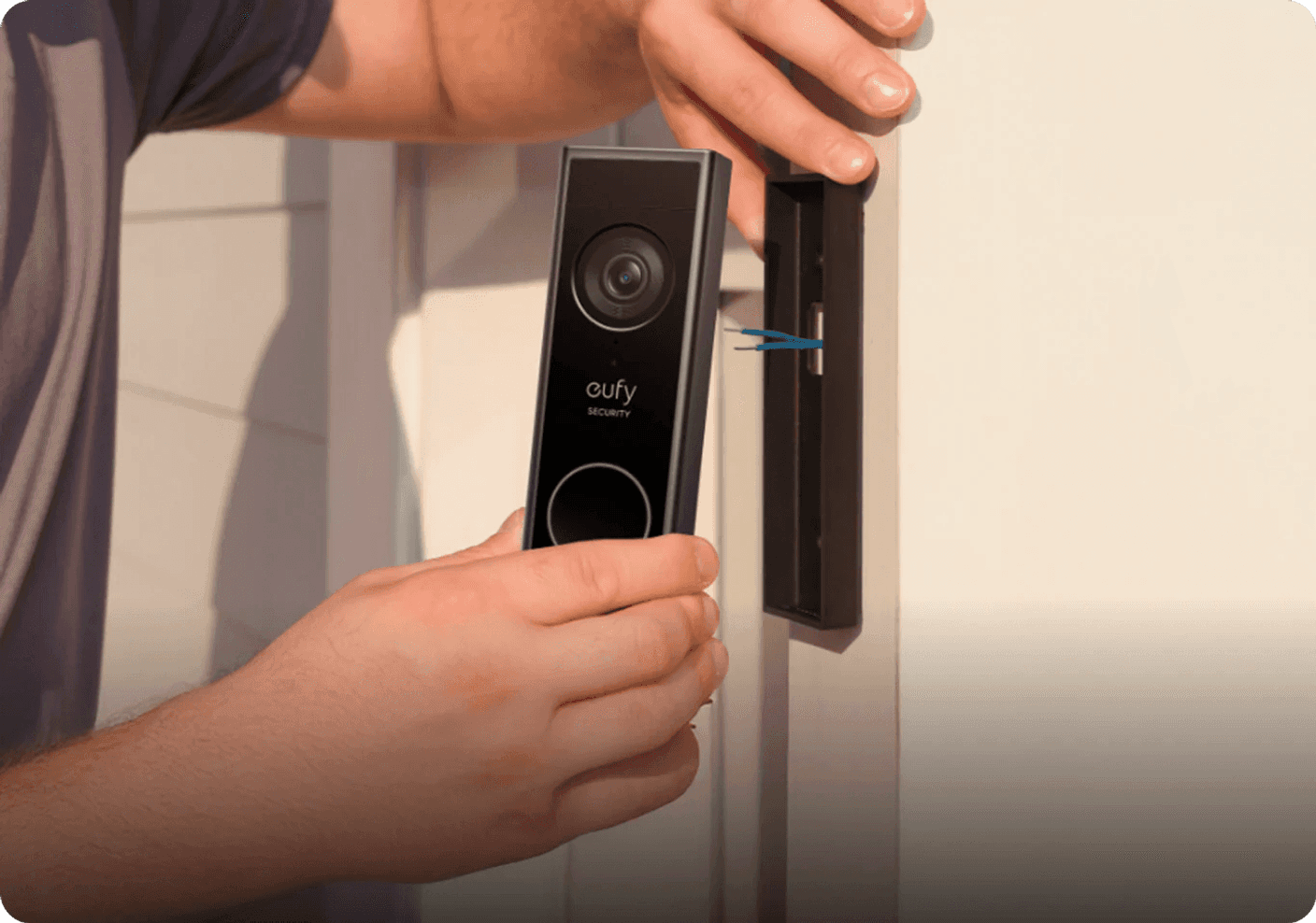
Image: Euly
Eufy nails the fundamentals here. The dual-camera setup actually solves a real problem: seeing packages right under your door instead of just faces. Night vision is sharp, motion alerts are fast, and the AI filtering is surprisingly usable without constant tweaking.
Where it really wins is restraint: no paywalls for basic functionality. You buy it once, plug in the HomeBase, and you’re done.
Internal read: See more smart home breakdowns onTech Unboxed Smart Home Hub
Table Comparison
Feature | Rating |
|---|---|
Video Quality | 9.2/10 |
Detection Accuracy | 9.4/10 |
Ease of Setup | 8.5/10 |
Value | 9.0/10 |
Standout Feature
Dual-camera system that actually eliminates blind spots.
Reolink Video Doorbell PoE/WiFi | Grade: A-
Pros & Cons
Pros
True local storage (microSD or NVR)
PoE option = ultra-stable connection
Excellent video clarity (2K+)
No cloud dependency
Cons
Installation can be complex
Less beginner-friendly UI
No flashy smart home ecosystem polish
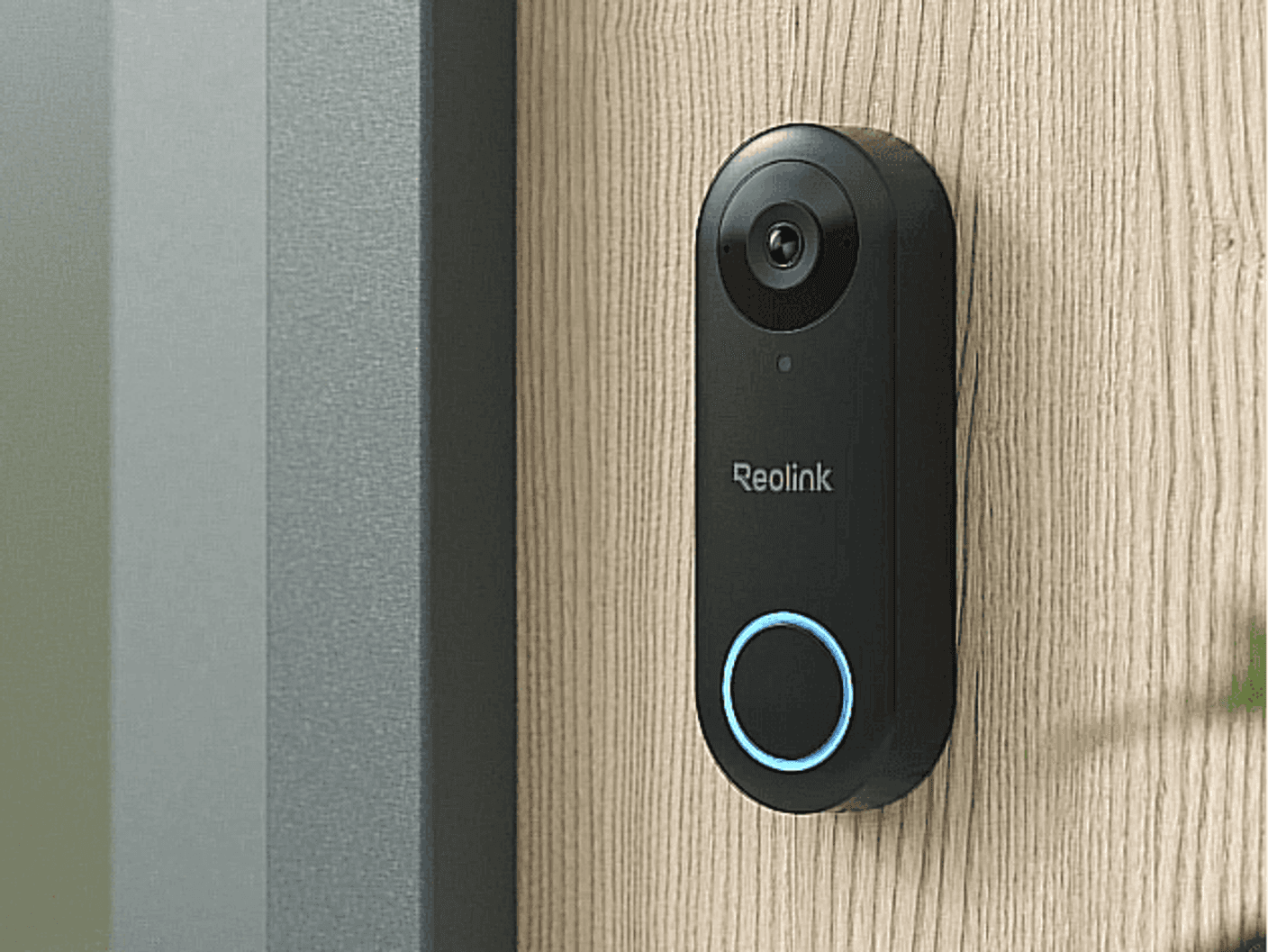
Image: Reolink
This is the “engineer’s choice.” Reolink doesn’t try to be cute, it just works. The PoE option alone makes it incredibly stable compared to battery-first competitors. Once installed, it basically becomes a surveillance-grade doorbell.
It’s not the most beginner-friendly, but it’s one of the most reliable long-term options if you hate subscriptions.
Table Comparison
Feature | Rating |
|---|---|
Video Quality | 9.3/10 |
Reliability | 9.6/10 |
Ease of Setup | 7.8/10 |
Value | 9.1/10 |
Standout Feature
PoE-powered stability (no WiFi drama).


TP-Link Tapo D230S1 | Grade: A-
Pros & Cons
Pros
MicroSD local storage (no subscription needed)
Strong 2K video quality
Good AI detection for price
Solid app experience
Cons
Not as refined as Eufy
Occasional lag in notifications
Limited advanced automation
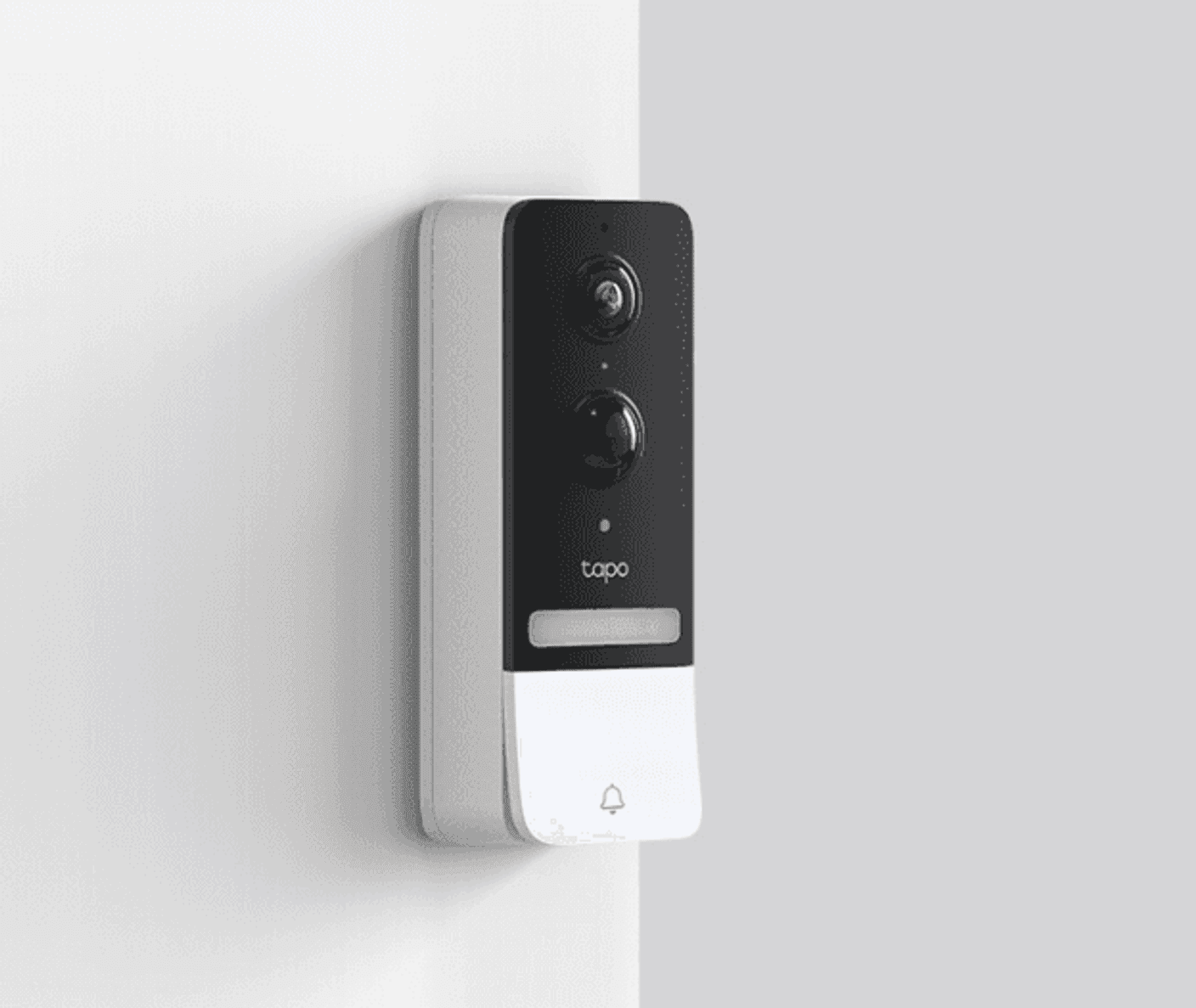
Image: TP-LINK
This is the “why is this so cheap?” doorbell. Tapo quietly delivers a polished experience without locking features behind subscriptions. The AI detection is not top-tier, but it’s more than good enough for everyday use.
Where it impresses is consistency. It doesn’t feel like a budget product once installed.
Table Comparison
Feature | Rating |
|---|---|
Video Quality | 8.8/10 |
Detection Accuracy | 8.5/10 |
Ease of Setup | 9.0/10 |
Value | 9.5/10 |
Standout Feature
MicroSD recording with zero cloud dependency.
Aqara Smart Video Doorbell G4 | Grade: B+
Pros & Cons
Pros
Works with HomeKit Secure Video
Local storage + cloud flexibility
Facial recognition features
Strong smart home integration
Cons
Battery life is average
Setup can be confusing
AI features depend on ecosystem
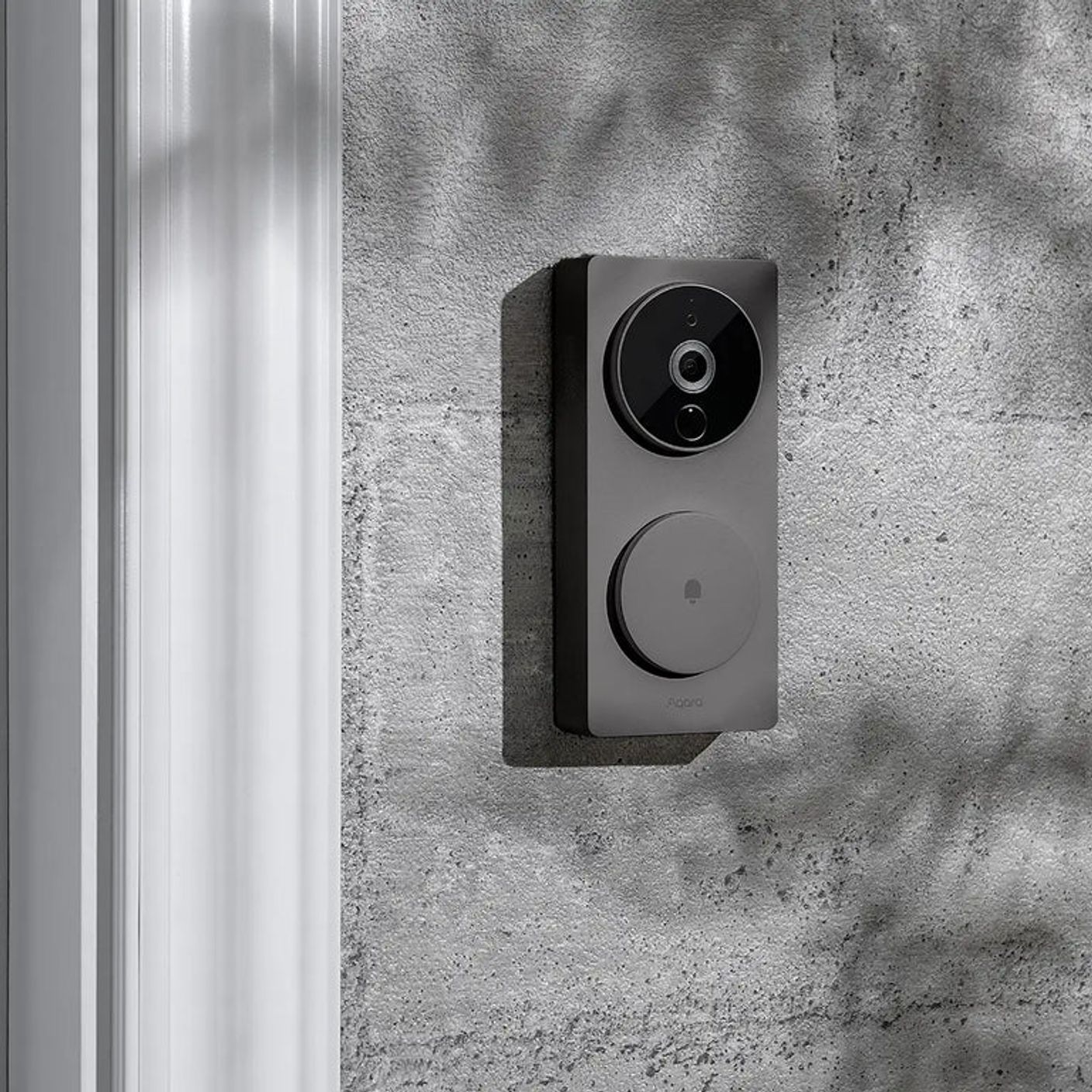
Image: Aqara
Aqara is trying to be the “smart home glue,” not just a doorbell. If you’re deep in HomeKit, it becomes significantly more valuable. Outside that ecosystem, it feels slightly over-engineered.
It makes up for how powerful this device is despite its lack of simplicity.
Table Comparison
Feature | Rating |
|---|---|
Video Quality | 8.6/10 |
Smart Features | 9.2/10 |
Ease of Setup | 7.9/10 |
Value | 8.4/10 |
Standout Feature
HomeKit Secure Video integration.


Lorex 2K WiFi Video Doorbell | Grade: B+
Pros & Cons
Pros
Local storage via microSD or NVR
Strong night vision performance
No subscription requirements
Solid build quality
Cons
App feels dated
Less modern AI filtering
Bulkier design
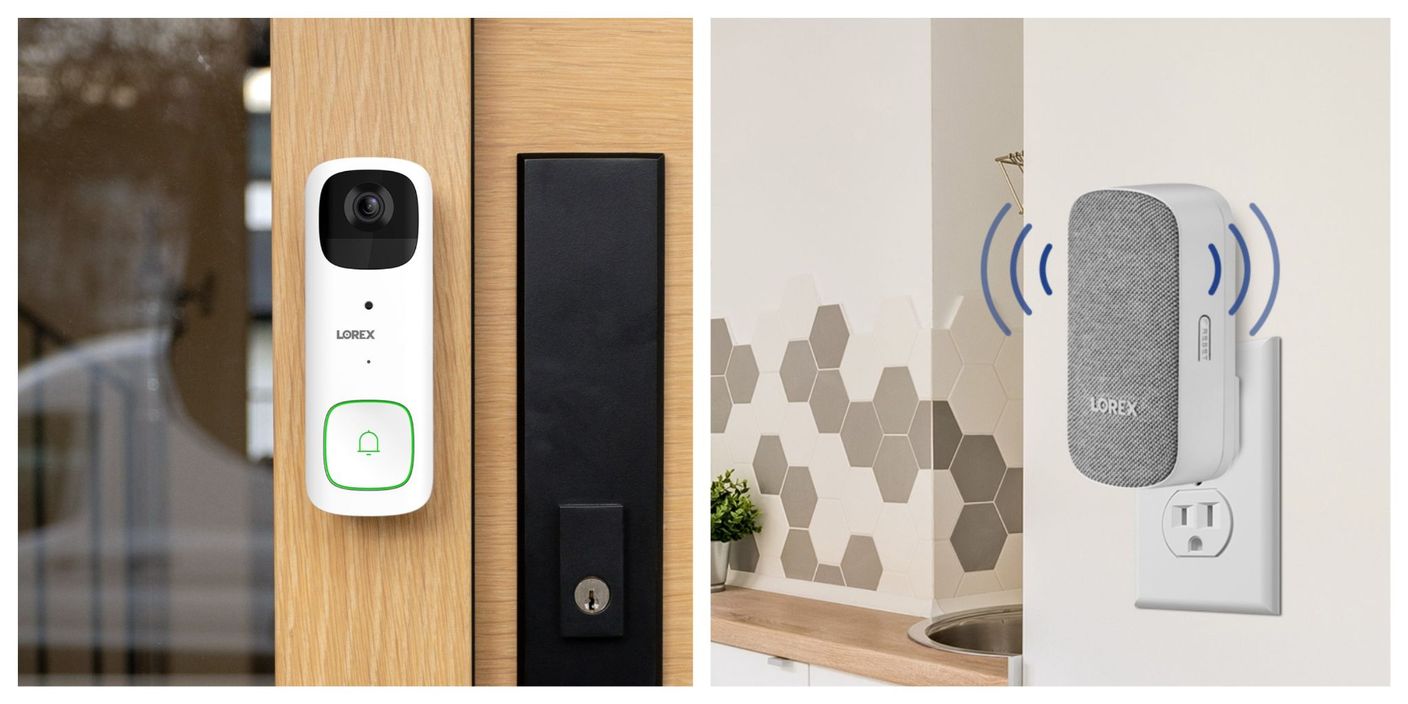
Image: Lorex
Lorex doesn’t chase trends, it sticks to security fundamentals. Video quality is dependable, and night performance is one of its strengths. However, the software experience feels a generation behind Eufy or Aqara.
Think of it as a CCTV system disguised as a doorbell.
Table Comparison
Feature | Rating |
|---|---|
Video Quality | 8.9/10 |
Reliability | 9.1/10 |
Smart Features | 7.8/10 |
Value | 8.7/10 |
Standout Feature
CCTV-level reliability without subscription lock-in.
Blink Video Doorbell (Local Sync Setup) | Grade: B
Pros & Cons
Pros
Extremely affordable entry point
Works with local storage (Sync Module 2)
Long battery life
Simple installation
Cons
Cloud-first by default
Limited smart detection without subscription
Lower video resolution vs competitors
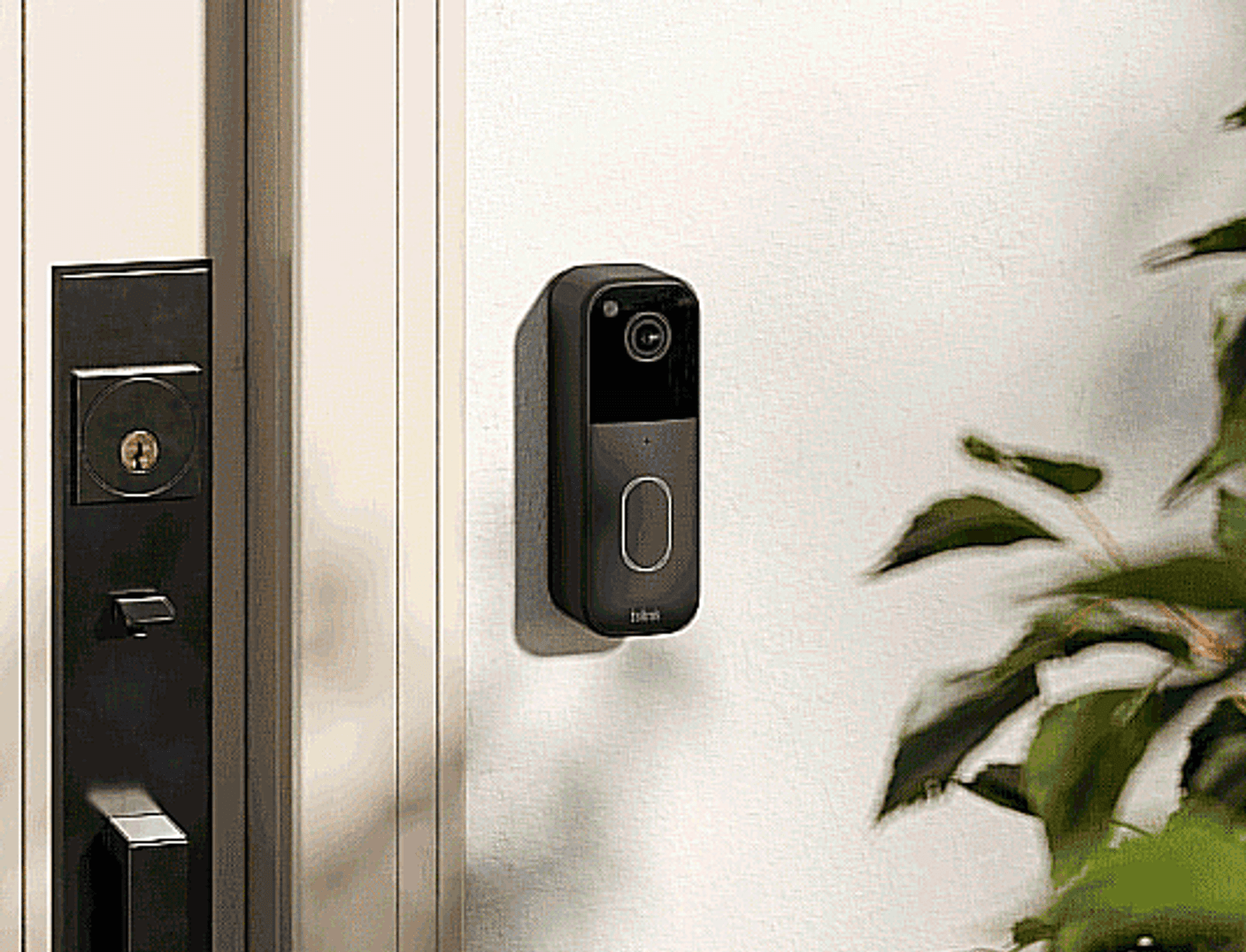
Image: Blink
Blink is the “budget hack” option. Out of the box, it pushes subscriptions hard, but if you set it up with local storage properly, it becomes a decent no-monthly-fee system.
Still, compared to Eufy or Reolink, it feels like a compromise.
Table Comparison
Feature | Rating |
|---|---|
Video Quality | 7.9/10 |
Ease of Setup | 9.2/10 |
Detection Accuracy | 7.5/10 |
Value | 8.6/10 |
Standout Feature
Ultra-simple entry-level setup with optional local storage workaround.
Final Verdict: Which No-Subscription Doorbell Actually Wins?
If you want the cleanest experience, Eufy dominates. If you want control and reliability, Reolink is the engineer’s pick. If you want budget value without feeling ripped off later, TP-Link Tapo quietly punches above its weight.
The real takeaway? You don’t need a subscription anymore, you just need to choose the ecosystem that won’t fight you after installation. After doing so, let it do the work to provide you a reliable monitoring system for your home.

Oliver Hayes
Gadgets & Smart Home Writer
Oliver began writing about gaming and digital culture before moving into the world of consumer technology. He specializes in gadgets, smart home devices, and practical tech advice that helps readers make smarter buying decisions.