Smart Home Starter Kit Guide: What To Buy First
Buying Guides
By Oliver Hayes


A smart home space is mature enough that you don’t need ten devices to feel the difference. You just need the right first five.
The goal here isn’t automation overload. It’s control, convenience, and reliability. Whether you’re building around Alexa, Google Home, or Apple HomeKit, your starter kit should feel cohesive from day one. And yes, a few well-chosen devices, like a smart speaker, lighting kit, and a couple of sensors, will get you 80% of the experience.
Who is This Guide for?
Not every smart home setup starts with ambition. Most start with curiosity.
First-time buyers who want simplicity
If you just want lights that turn off when you leave or a speaker that actually understands commands, you don’t need complexity. You need compatibility and ease.
Upgrade users stuck in fragmented setups
If you already own a few smart devices but they don’t work together, this guide helps you reset your foundation properly.
For deeper ecosystem breakdowns, check our Smart Home series.
Smart Home Ecosystem Comparison
Ecosystem | Best Hub Device | Strength | Weakness | Best For |
|---|---|---|---|---|
Amazon Alexa | Echo (4th Gen) | Broad compatibility | Amazon-heavy ecosystem | Beginners |
Google Home | Nest Hub (2nd Gen) | Smart routines & context | Hardware limitations | Android users |
Apple HomeKit | HomePod mini | Privacy & stability | Limited compatibility | Apple users |
The Core Smart Home Stack You Should Actually Start With
Before we look at individual devices, here’s the rule most people get wrong: don’t start with gadgets, start with a hub.
A proper starter stack includes:
A smart assistant (voice control hub)
Smart lighting (instant lifestyle change)
Smart plugs (cheap automation entry point)
Security device (doorbell or camera)
Optional display hub (visual control layer)
This is the backbone of any smart home starter, and everything else is optional until this is solid.
Best Smart Home Starter Devices
Amazon Echo Spot (2024): $79.99
Detailed Review
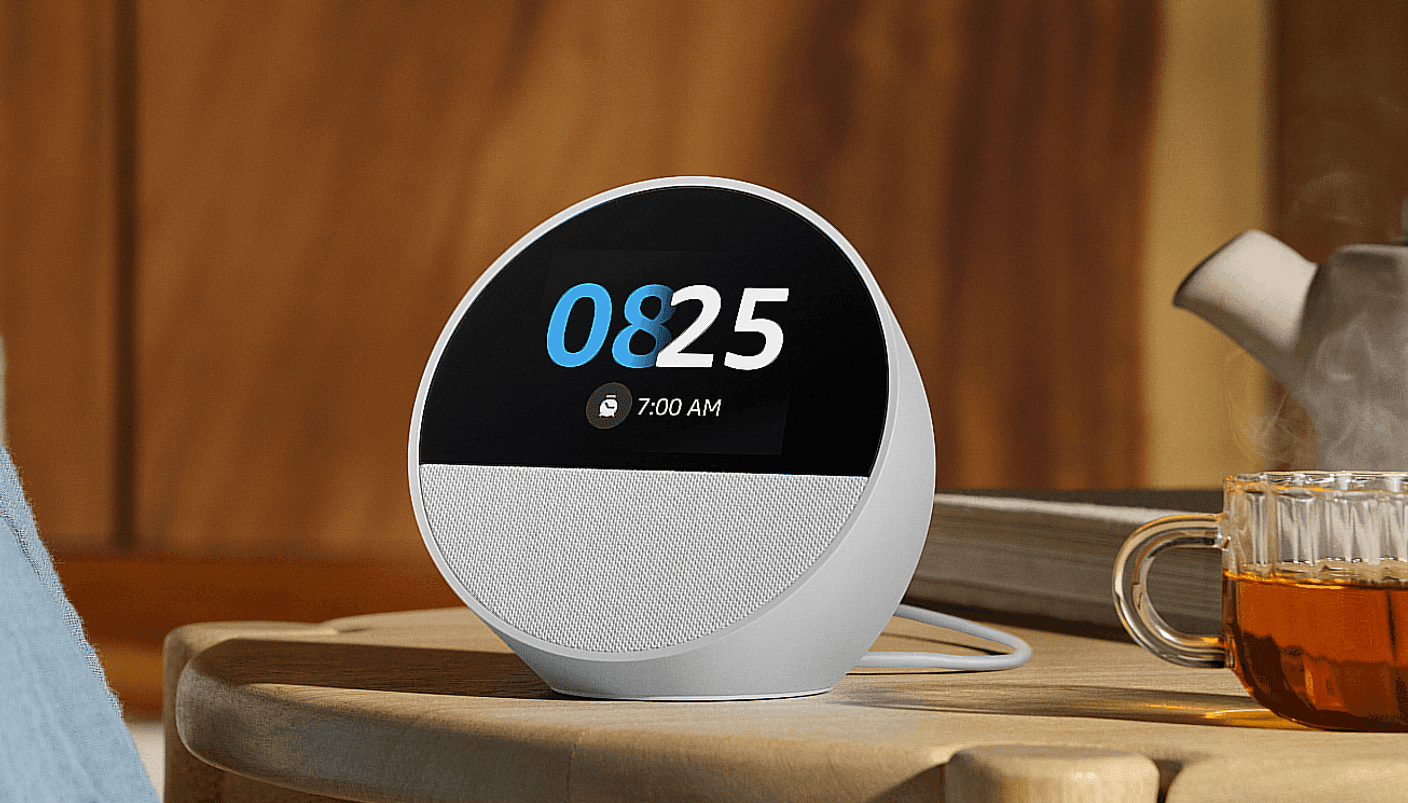
Image: Amazon
Unlike larger Echo Show devices that can feel excessive for beginners, the Echo Spot hits the sweet spot. The display is useful for timers, weather, smart home controls, and music playback without dominating a room. It also works as an excellent bedside or desk hub for automations.
For a starter smart home setup, the Echo Spot delivers nearly everything most users need while keeping costs low.
Pros
Affordable entry point into Alexa
Compact display adds useful visual controls
Excellent smart home compatibility
Simple setup process
Cons
Smaller screen than Echo Show models
Audio quality isn't as powerful as larger Echo speakers
Standout Feature
Smart home controls with glanceable information on a compact display.
Google Nest Hub (2nd Gen): $99.99
Detailed review
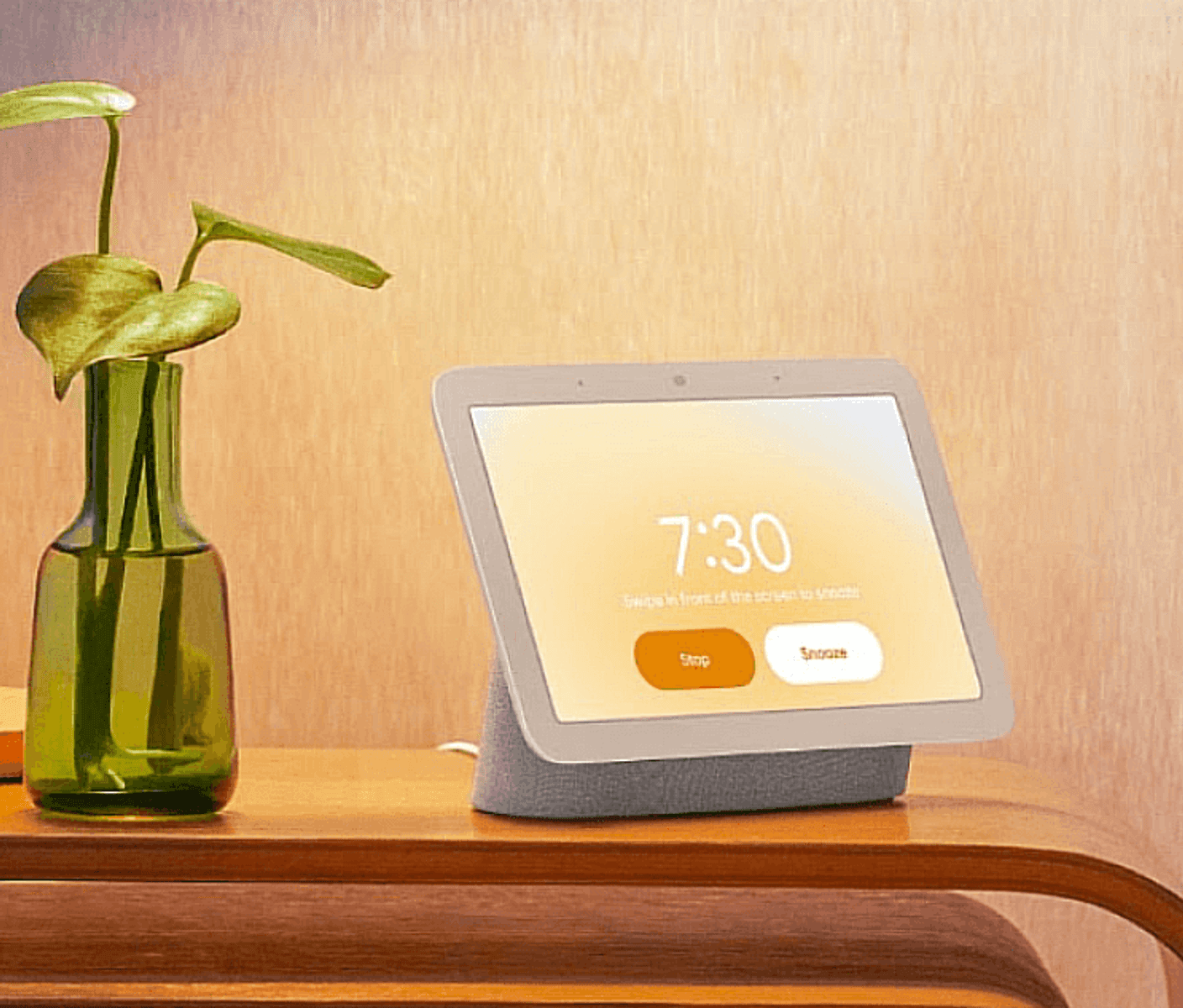
Image: Google Store
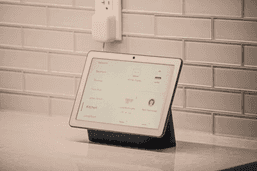
Where Alexa is command-heavy, Google’s approach is contextual. The Nest Hub shines when you want a screen that actually adds value sleep tracking insights, YouTube control, and smart camera feeds without needing a phone.
Pros
Excellent Google Assistant intelligence
Clean, minimal design
Useful visual feedback for routines
Cons
No camera (privacy tradeoff)
Less flexible than Alexa ecosystem
Standout feature
Sleep sensing and ambient automation triggers


Apple HomePod mini: $99.00
Detailed review

Image: Apple
If you’re in the Apple ecosystem, this feels like cheating. Setup is instant, and HomeKit automation is smoother than most competitors. But outside Apple devices, flexibility drops quickly.
Pros
Seamless Apple ecosystem integration
Strong privacy controls
Compact and premium design
Cons
Limited compatibility outside Apple ecosystem
Smaller smart home device support library
Standout feature
Ultra-smooth HomeKit automation chaining
Philips Hue Starter Kit: $199.99
Detailed review

Image: Philips
Lighting is the fastest way to feel your smart home. Hue nails color accuracy, scheduling, and reliability better than cheaper competitors. Yes, it’s expensive, but it rarely fails, which is more than you can say for budget bulbs.
Pros
Best-in-class lighting quality
Extremely reliable connectivity
Huge accessory ecosystem
Cons
Expensive entry cost
Requires hub for full features
Standout feature
Scene automation that actually feels cinematic


Ring Battery Doorbell Plus (2nd gen): $179.99
Detailed review
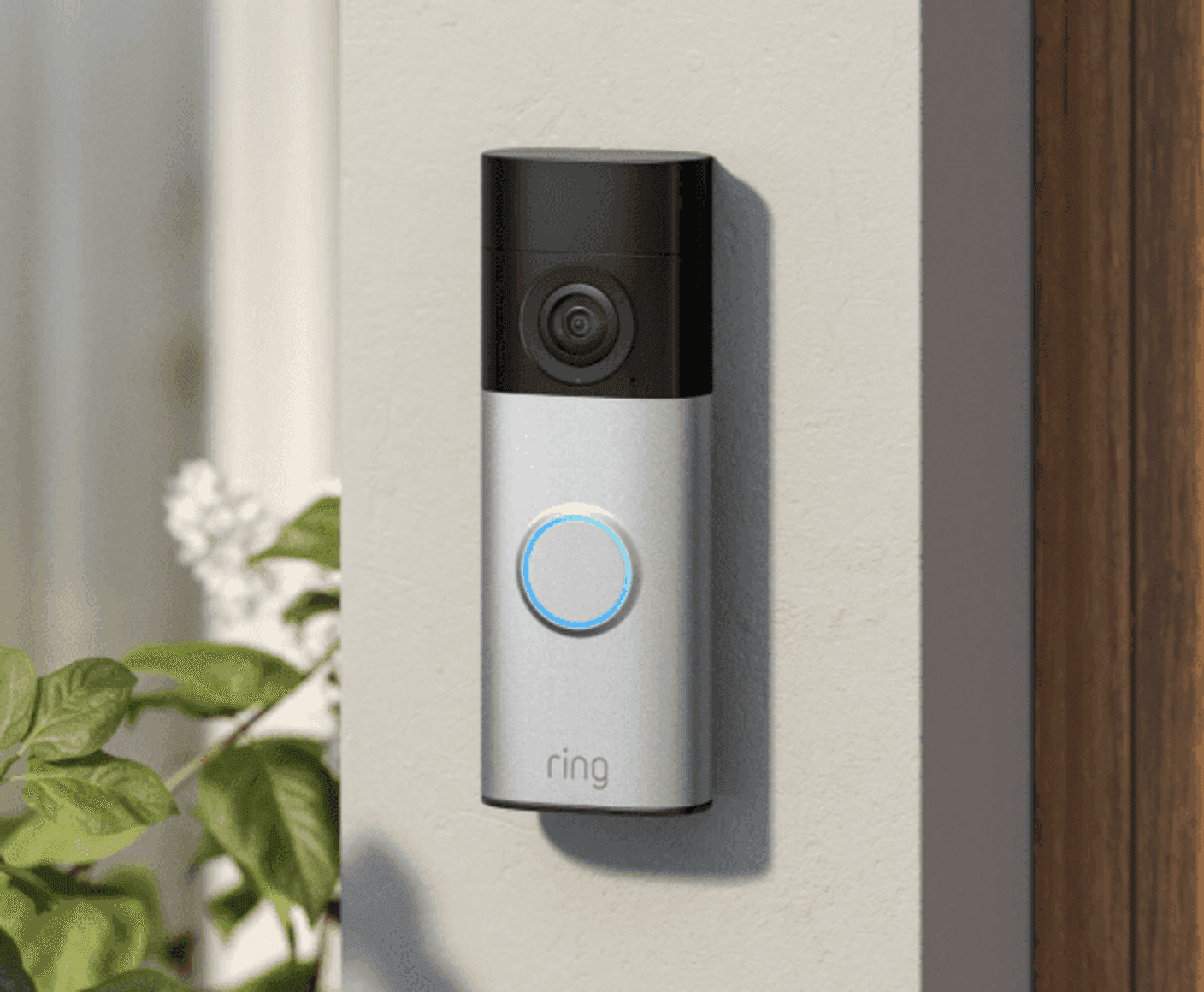
Image: Ring
This is where smart homes stop being convenience tools and start becoming safety tools. The Ring ecosystem is tight, fast, and reliable for motion alerts and live view. Battery setup also removes installation friction.
Pros
Strong motion detection
Easy wireless installation
Clear video quality
Cons
Subscription needed for full history
Best features locked into Ring ecosystem
Standout feature
Instant motion-to-phone alert speed
TP-Link Kasa Smart Plug HS103: $17.99
Detailed review
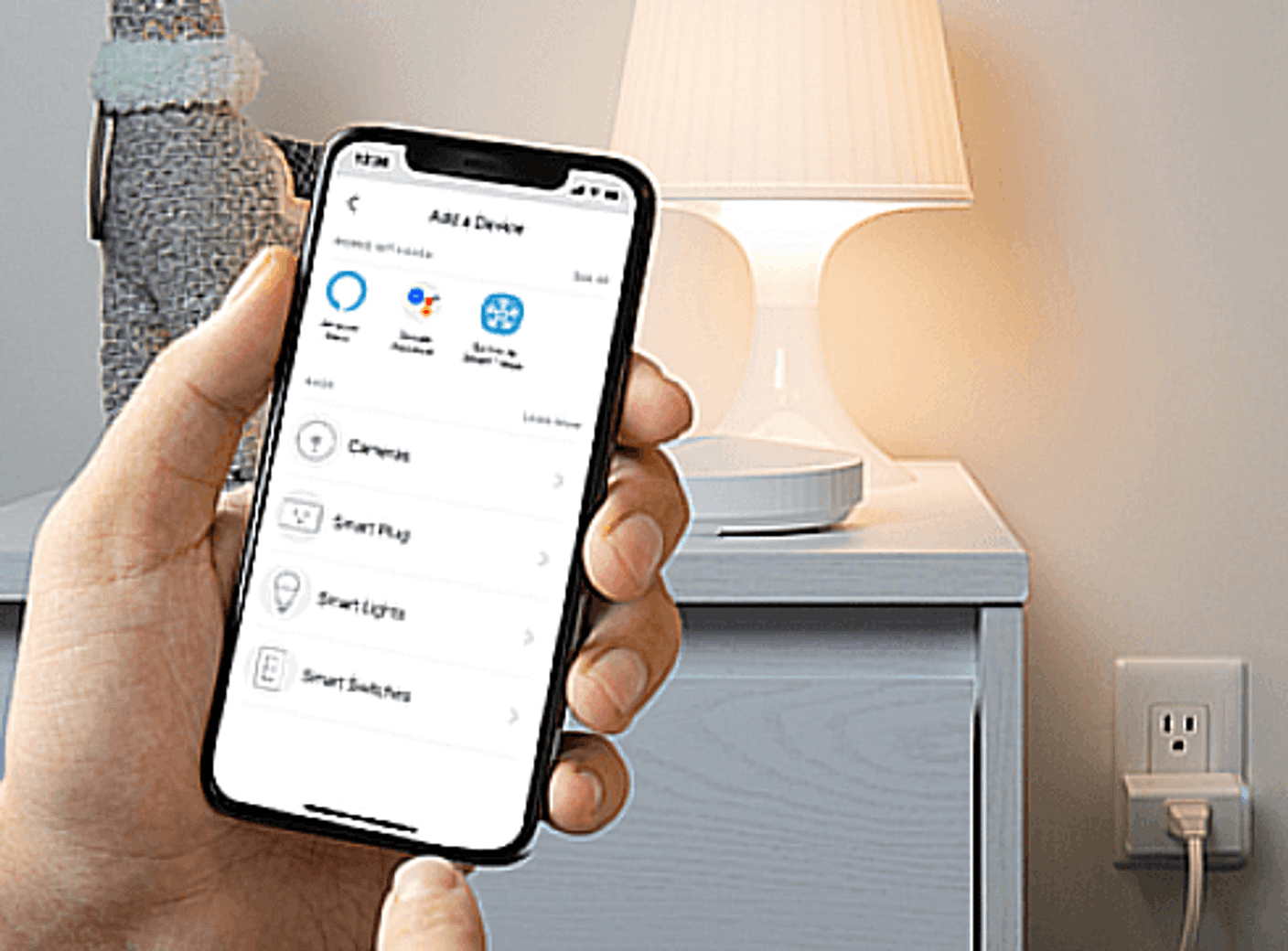
Image: Kasa Smart
Smart plugs are underrated. They turn dumb devices into smart ones instantly: lamps, fans, coffee machines. Kasa’s reliability makes it the default recommendation in most starter setups.
Pros
Extremely affordable
Stable Wi-Fi connection
No hub required
Cons
Basic functionality only
No energy monitoring in this model
Standout feature
Instant automation for non-smart devices
Final Verdict: Start Small, Scale Smart
The biggest mistake in smart home building is overbuilding early. A proper smart home starter kit is about buying the right entry points that scale.
Start with voice control. Add lighting. Then security. Then expand.
If your devices don’t feel like they belong together, you didn’t build a smart home, you built a gadget collection.

Oliver Hayes
Gadgets & Smart Home Writer
Oliver began writing about gaming and digital culture before moving into the world of consumer technology. He specializes in gadgets, smart home devices, and practical tech advice that helps readers make smarter buying decisions.