Best Windows Laptops for Creatives in 2026
Laptops
By Marwin Jaino Cervañez


Whether you're editing 4K video, rendering 3D models, designing in Adobe Creative Cloud, or producing content for clients, finding the best Windows laptops for creatives is no longer just about buying the most powerful machine available. The ideal creator laptop needs the right balance of performance, display quality, portability, battery life, and workflow-focused features.
The good news? Windows creators have more options than ever. Between AI-enhanced processors, OLED displays becoming mainstream, and RTX-powered creator laptops growing thinner and lighter, they have delivered some seriously impressive hardware since 2024 which leads today.
After reviewing the latest models currently available from major manufacturers, these are the Windows laptops we'd confidently recommend to photographers, video editors, graphic designers, illustrators, music producers, and creative professionals.
Best Windows Laptops for Creatives in 2026
Laptop | Grade | Best For | Starting Price (USD) |
|---|---|---|---|
ASUS ProArt P16 (2026) | A+ | Professional creators | $2,299.99 |
Dell XPS 14 (2026) | A | Creative professionals on the go | $1,999.99 |
Microsoft Surface Laptop Studio 2 | A | Digital artists | $2,379.99 |
Acer Swift X 16 | A | Photo and video editing | $1,249.99 |
HP OmniBook Ultra Flip 14 | B+ | Mobile creators | $1,699.99 |
ASUS ROG Zephyrus G16 (2026) | A | Video editors and 3D artists | $2,199.99 |
1. ASUS ProArt P16 (2026)
Grade: A+
Standout Feature
Professional-grade OLED display with creator-focused hardware and RTX acceleration.
More Detailed Review
Image: Asus
The ProArt P16 handles Premiere Pro, DaVinci Resolve, Blender, Lightroom, and After Effects without breaking a sweat. The OLED display covers 100% DCI-P3 color space and is factory calibrated, making it one of the best screens currently available on any Windows laptop. ASUS specifically markets the machine for professional video editing and high-resolution creative workflows.
For creators who make a living from visual work, this is the closest Windows equivalent to a MacBook Pro while maintaining access to RTX-powered creative applications.
Pros
Outstanding OLED display
Excellent RTX performance
Up to 64GB RAM available
Creator-focused software tools
Strong thermal management
Cons
Expensive
Larger than ultraportable options
2. Dell XPS 14 (2026)
Grade: A
Standout Feature
Premium design combined with excellent OLED display options.
More Detailed Review

Image: Dell
The latest XPS 14 combines Intel Core Ultra processors, optional OLED displays, RTX graphics configurations, and surprisingly strong battery life. Dell also brought back a more practical function row while retaining the premium aluminum-and-glass construction that made the XPS lineup famous.
For photographers, designers, and video editors who travel frequently, the XPS 14 strikes an excellent balance between power and portability.
Pros
Gorgeous premium build
Excellent OLED display
Great battery life
Portable for a creator laptop
Cons
Pricey configurations
Limited upgradeability


3. Microsoft Surface Laptop Studio 2
Grade: A
Standout Feature
Unique pull-forward display for drawing and creative workflows.
More Detailed Review
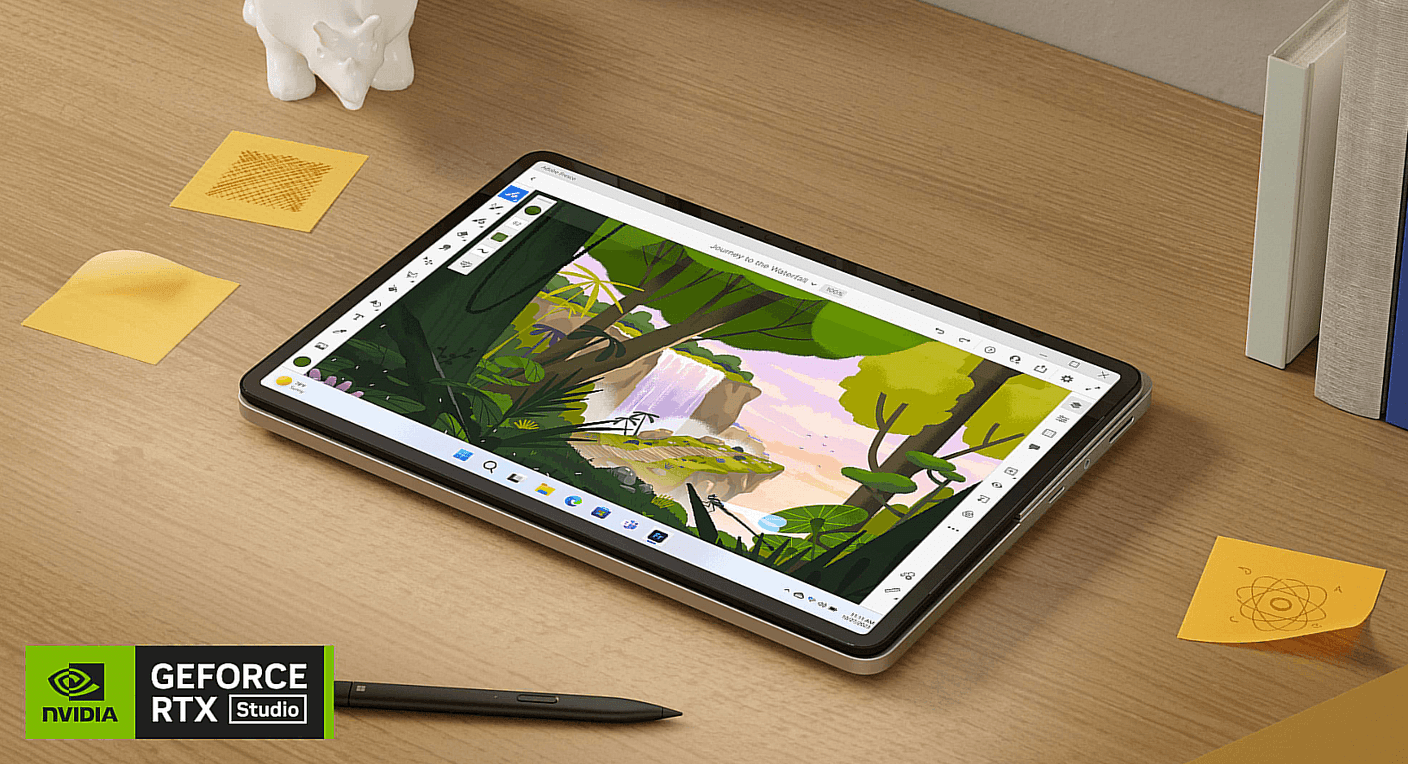
Image: Microsoft
The flexible display design allows artists to move between traditional laptop mode and a drafting-table style canvas. Combined with Surface Slim Pen support, it becomes one of the most versatile digital art workstations available.
Photoshop, Illustrator, Clip Studio Paint, and other drawing applications feel particularly natural on this device.
If your workflow revolves around sketching, storyboarding, concept art, or illustration, this laptop offers something no competitor fully replicates.
Pros
Exceptional stylus support
Innovative display design
Great build quality
Excellent touchscreen experience
Cons
Heavier than expected
Aging platform compared to newer rivals
4. Acer Swift X 16
Grade: A
Standout Feature
Large color-accurate OLED display paired with dedicated NVIDIA RTX graphics.
More Detailed Review
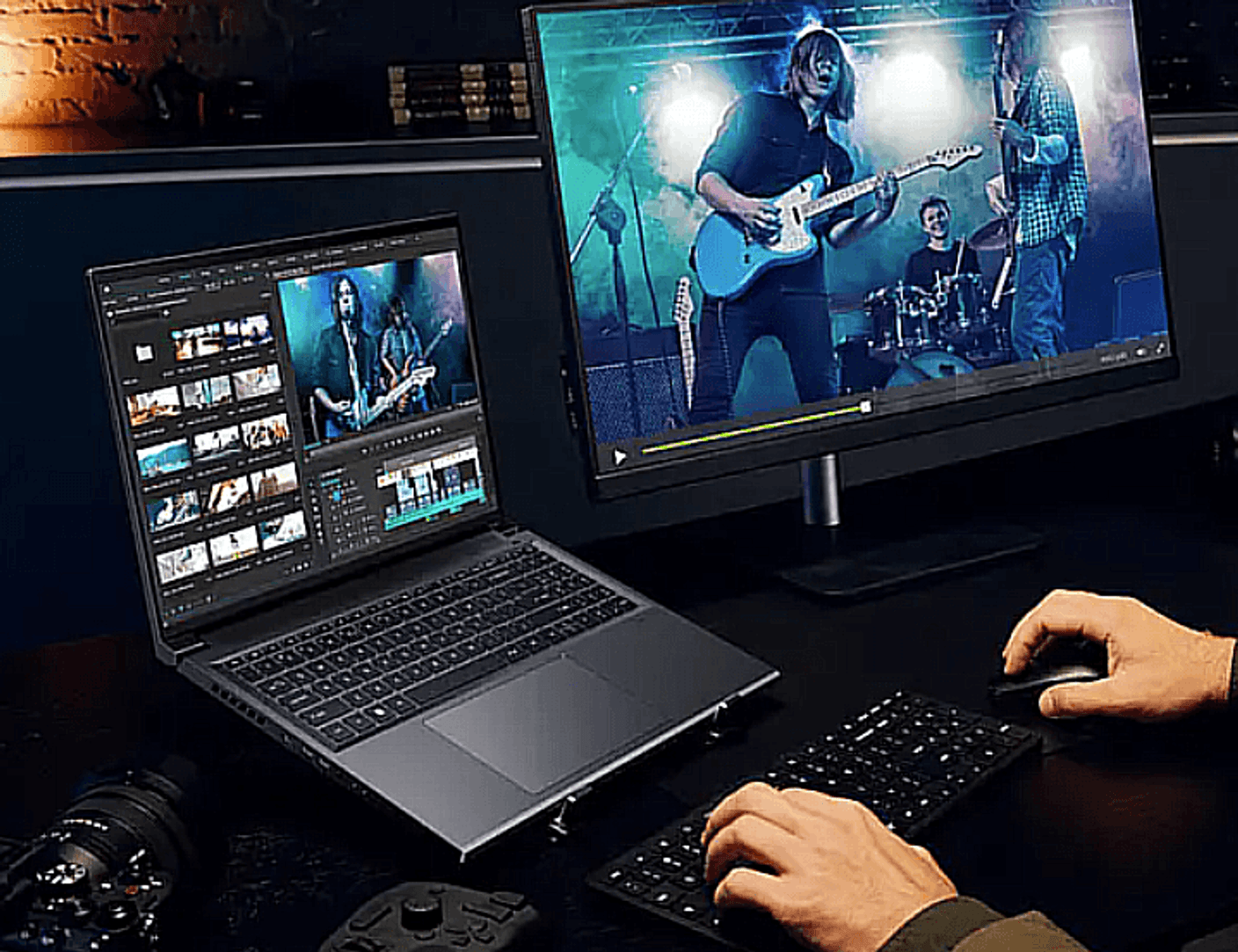
Image: Acer
Acer equips the Swift X 16 with AMD Ryzen processors, NVIDIA GeForce RTX graphics, and a stunning 16-inch OLED display with excellent color reproduction. The OLED panel covers 100% DCI-P3 color space, making it well-suited for color-sensitive creative work.
Performance is impressive for the price, handling Adobe Premiere Pro, Photoshop, Lightroom, and even moderate 3D workloads comfortably. While it doesn't have the premium feel of a Dell XPS or ASUS ProArt machine, it delivers creator-focused performance at a much more approachable price point.
For creators looking for maximum value without sacrificing display quality or GPU acceleration, the Swift X 16 is an easy recommendation.
Pros
Excellent OLED display
Strong RTX-powered creative performance
Competitive pricing
Lightweight for a 16-inch laptop
Cons
Build quality isn't as premium as rivals
Speakers are average


5. HP OmniBook Ultra Flip 14
Grade: B+
Standout Feature
Premium convertible design with a high-resolution OLED touchscreen and next-generation Intel Core Ultra performance.
More Detailed Review

Image: HP
The OmniBook Ultra Flip 14 combines Intel Core Ultra processors with a stunning 2.8K OLED touchscreen, fast AI-enhanced performance, and a premium aluminum chassis. The 360-degree hinge allows it to function as a traditional laptop, tablet, presentation device, or sketching canvas, making it particularly useful for creative professionals who frequently collaborate or work on the go.
While integrated graphics limit its suitability for intensive 3D rendering and GPU-heavy video production, the display quality, portability, and touchscreen versatility make it an excellent option for photo editing, graphic design, illustration, and everyday content creation. Battery life is also impressive, helping creators stay productive throughout a full workday.
Pros
Gorgeous 2.8K OLED touchscreen
Premium and lightweight design
Flexible 2-in-1 form factor
Excellent battery life
AI-ready Intel Core Ultra platform
Cons
No dedicated RTX graphics
Not designed for heavy 3D workloads
6. ASUS ROG Zephyrus G16 (2026)
Grade: A
Standout Feature
Gaming-class RTX power packaged into a creator-friendly design.
More Detailed Review
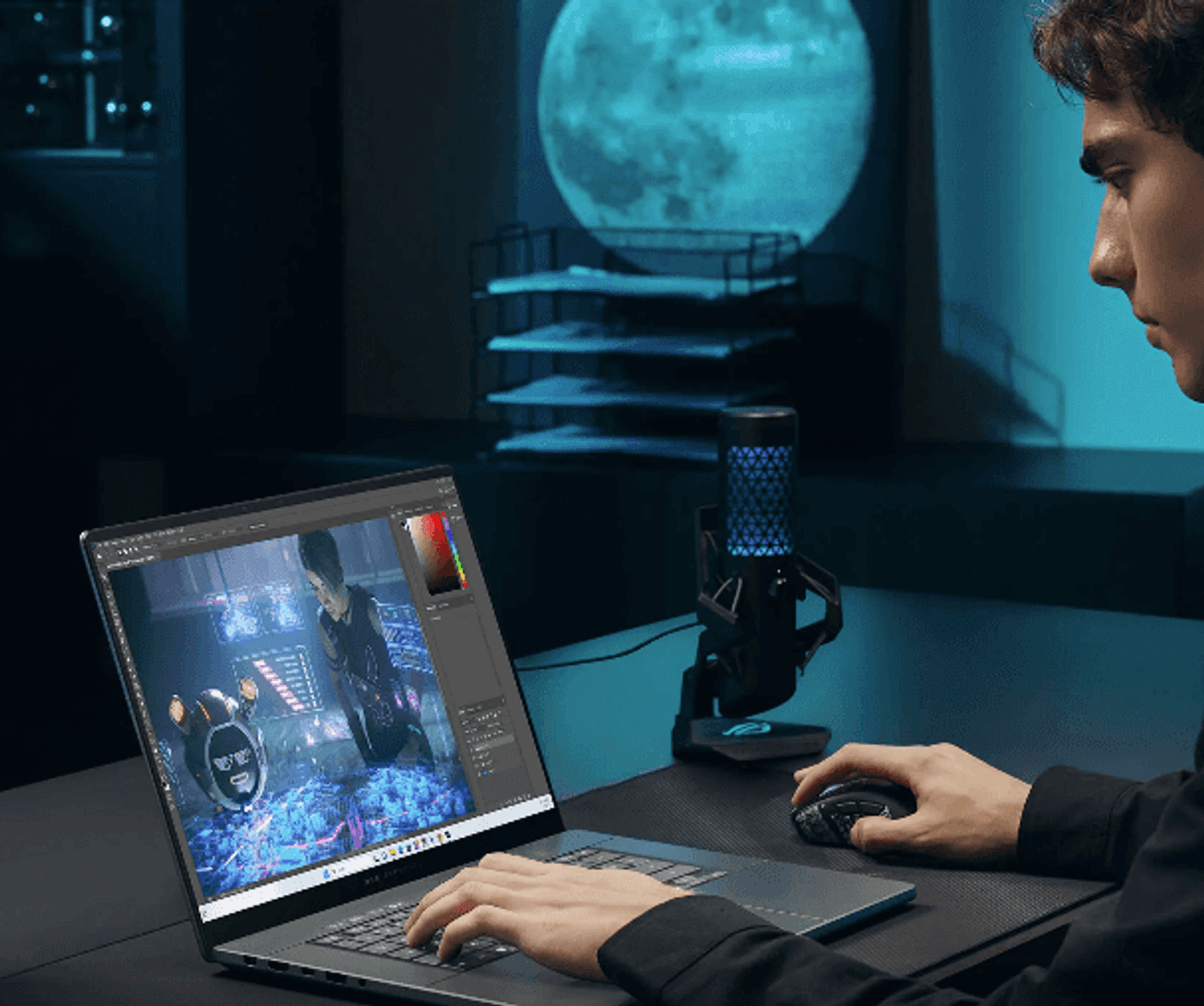
Image: Republic of Gamers
Modern creative applications increasingly rely on GPU acceleration. The Zephyrus G16 delivers massive RTX horsepower for video rendering, AI tools, motion graphics, and 3D workloads.
While it lacks some of the creator-specific touches found in the ProArt lineup, it compensates with incredible raw performance and excellent OLED display options.
If your workflow includes Blender, Unreal Engine, Cinema 4D, or AI-assisted creation tools, the Zephyrus G16 is a monster.
Pros
Outstanding RTX performance
Excellent OLED display
Surprisingly portable
Great cooling system
Cons
Gamer aesthetic won't appeal to everyone
Battery life trails ultraportables
Which Windows Laptop Should Creatives Buy?
Buy the ASUS ProArt P16 if:
You earn income from creative work
You edit 4K or 8K video regularly
Color accuracy is critical
You want the best overall creator laptop
Buy the Dell XPS 14 if:
You travel frequently
You want premium design
Portability matters as much as performance
Buy the Surface Laptop Studio 2 if:
You draw or illustrate professionally
Stylus support is a priority
Buy the Zephyrus G16 if:
You need maximum GPU power
3D rendering and AI workloads dominate your workflow
Final Verdict
The ASUS ProArt P16 is the best Windows laptop for creatives in 2026. It combines workstation-class performance, one of the best displays in the industry, creator-focused features, and enough GPU horsepower to handle virtually any professional workflow.
That said, not every creative needs a portable workstation. The Dell XPS 14 remains our favorite premium ultraportable creator machine, while the Surface Laptop Studio 2 continues to be the best choice for artists and illustrators.
If you're investing in a laptop that will be your primary creative tool for the next several years, these six machines represent the best Windows ecosystem currently has to offer.
For more buying advice, check out our guides on Smart Rings vs Smartwatches: Which is Better for Sleep Tracking and Foldable Phones in 2026: Are They Finally Worth Buying on Tech Unboxed.

Marwin Jaino Cervañez
Consumer Tech & Gaming Writer
Marwin started writing for a geek-news site before diving into video games. Still a geek by nature, delving into technology is inevitable. PCs, Laptops, Cellphones, Headphones, as long as he can game. Exploring low to high end models, he wants to see how far consuming tech has come for work and play.
Recent stories by Marwin Jaino Cervañez: